Tech Guides
-

How to Combine Photos on iPhone: A Complete Step-by-Step Guide
Combining photos on an iPhone is a great way to create collages, before-and-after images, or stylish social media posts. Apple doesn’t offer…
-
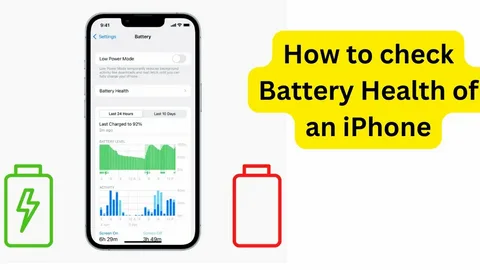
How to Check Battery Life on iPhone: A Complete Step-by-Step Guide
Keeping an eye on your iPhone’s battery life helps you avoid unexpected shutdowns and keeps your device running smoothly. Luckily, Apple makes…
-
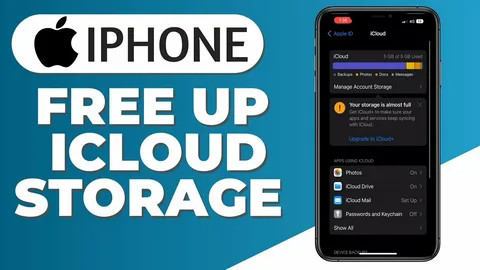
How to Free Up iCloud Storage on iPhone: Practical Tips & Tricks
Running out of iCloud storage can be frustrating, especially when your iPhone stops backing up photos, messages, or important files. The good…
-
How to Get Water Out of Your iPhone: Essential Tips and Tricks
Dropping your iPhone in water can feel like a nightmare, but acting quickly can greatly improve your chances of saving it. Whether…
-
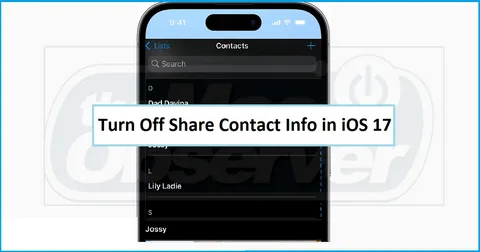
How to Turn Off Contact Sharing on iPhone: A Complete Privacy Guide
Your contacts contain some of your most personal information—phone numbers, email addresses, home addresses, birthdays, and more. Many apps request access to…
-
How to Scan a Document on iPhone: The Complete Guide
Scanning documents with your iPhone is one of those hidden superpowers many people overlook. With the built-in Notes app, you can turn…
-

How to Add Spanish Keyboard on iPhone: Complete Step-by-Step Guide
Switching your iPhone keyboard to Spanish is a smart way to improve your typing experience—whether you’re bilingual, learning the language, or communicating…
-

How to Check if Your iPhone Has a Virus: Complete Safety Guide
Many people assume iPhones can never get viruses, but while Apple devices are highly secure, they’re not completely immune to threats. Malware,…
-
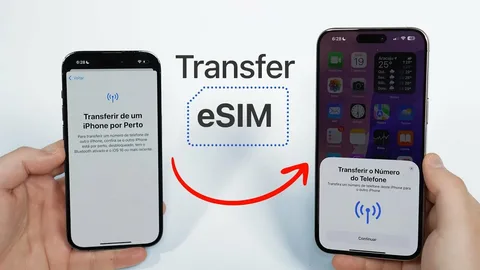
How to Transfer eSIM to a New iPhone: The Complete Step-by-Step Guide
Upgrading to a new iPhone is exciting, but transferring your eSIM can feel confusing if you’ve never done it before. The good…
-
How to Transfer iPhone Data to Laptop: Complete Step-by-Step Guide
Transferring data from your iPhone to a laptop is an important way to back up your files, free up storage, and keep…