Apps & Software
-
How to Create a New Folder Using CMD (Command Prompt)
Most people create folders in Windows by right-clicking and selecting “New Folder.” It’s simple and works fine for everyday use. But there’s…
-
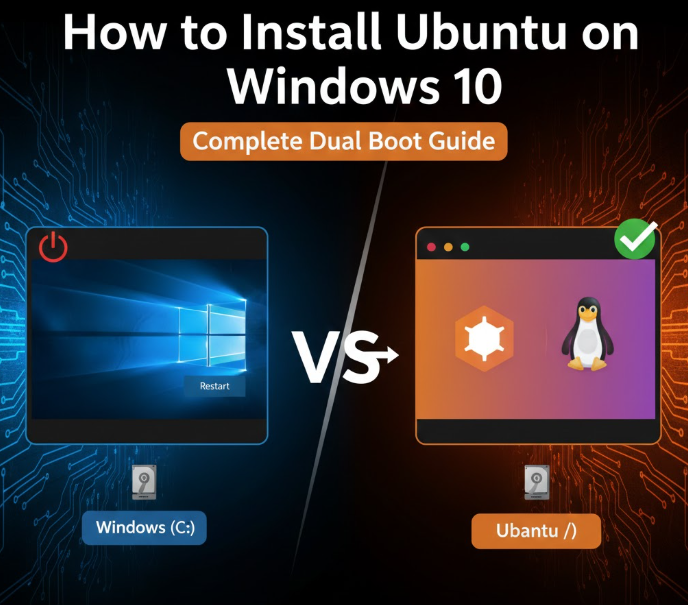
How to Install Ubuntu on Windows 10: Your Complete Dual Boot Guide
Installing Ubuntu alongside Windows 10 is one of the best ways to explore Linux without giving up Windows. This setup, known as…
-
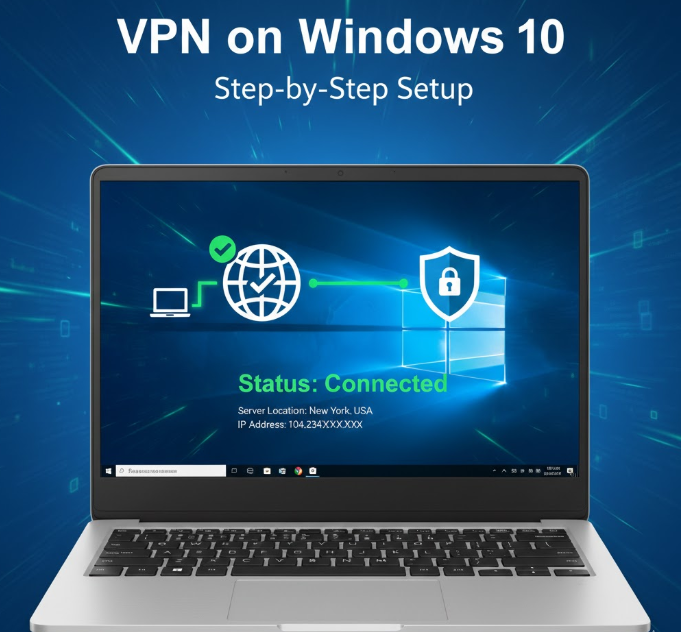
How to Connect VPN in Windows 10: Your Step-by-Step Setup Guide
Using a VPN on Windows 10 is no longer just for tech experts. Whether you want to protect your privacy, secure public…
-
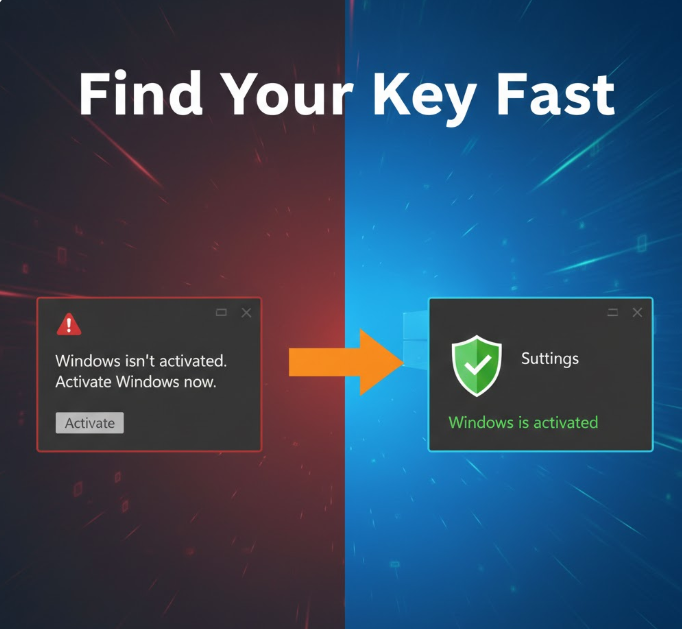
How to Know Your Windows 10 Product Key: A Complete Guide (2026)
Your Windows 10 product key is one of the most important pieces of information tied to your computer. Whether you’re reinstalling Windows,…
-
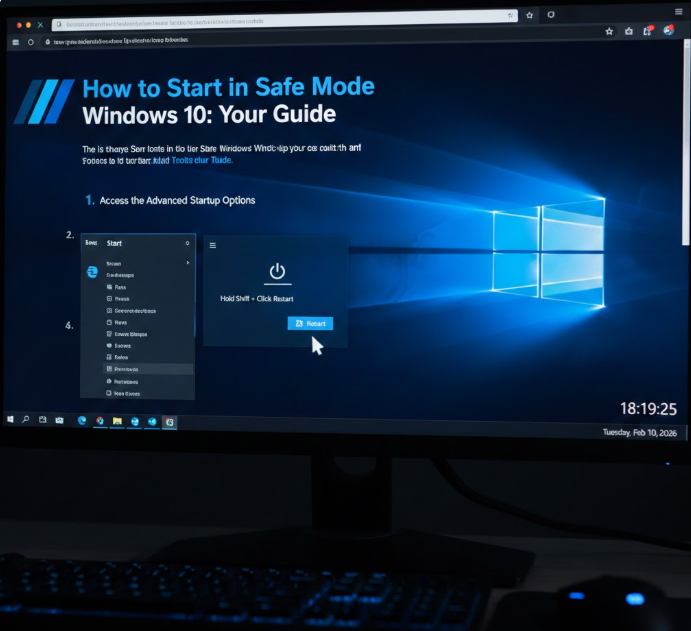
How to Start in Safe Mode Windows 10: Your Guide
Safe Mode is one of the most powerful troubleshooting tools built into Windows 10. When your computer won’t boot properly, keeps crashing,…
-
How to Backup Windows 10 to an External Hard Drive: Your Complete Guide
Backing up your Windows 10 PC is not optional anymore. Hardware failure, ransomware attacks, accidental deletion, Windows update crashes, or power surges…
-
How to Backup Windows 10 to an External Hard Drive: Your Complete Guide
Backing up your Windows 10 system is essential. Accidents, hardware failures, malware, or accidental deletions can put your files at risk. Using…
-
How to Empty Recycle Bin in Windows: A Simple Step-by-Step Guide
The Recycle Bin in Windows 11 acts as a safety net for deleted files, giving users the chance to recover accidentally deleted…
-
How to Format a Windows 10 Laptop: A Step-by-Step Guide
Formatting a Windows 10 laptop is a common solution for performance issues, malware infections, or preparing a device for resale. While it…
-
How to Link Windows Key to Microsoft Account: A Step-by-Step Guide
Want to link your Windows key to your Microsoft account? It’s a straightforward process that ensures you can easily reactivate Windows if…