When it comes to protecting your cryptocurrency, security is everything. While online wallets and exchanges are convenient, they are also vulnerable to hacks, phishing attacks, and server breaches. For long-term holders or anyone storing significant crypto value, hardware wallets are considered the gold standard in secure storage.
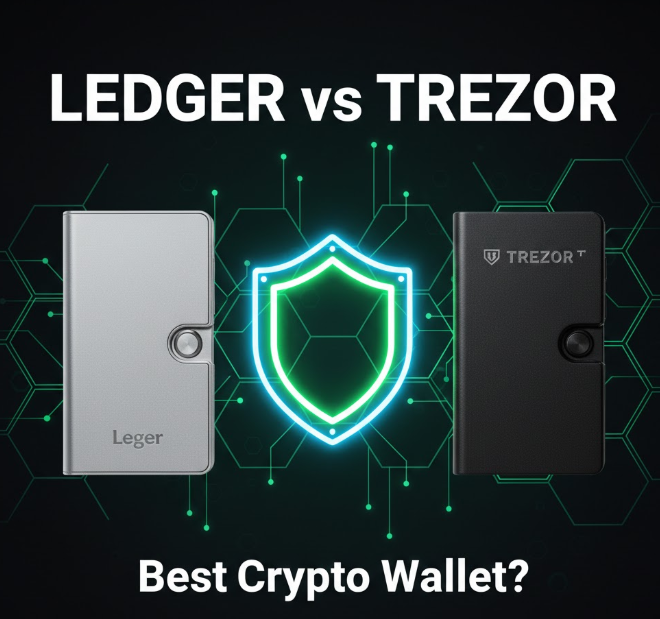
Among hardware wallets, Ledger and Trezor are the two most widely used brands—and often the first choice for crypto investors worldwide. But how do they compare? Which one should you choose? And what do you need to know before buying your first hardware wallet?
This comprehensive guide breaks everything down in simple terms:
-
What hardware wallets are
-
Why they matter
-
Head-to-head comparisons
-
Pros and cons of Ledger vs Trezor
-
How to choose the right one
-
Safe setup and usage tips
-
FAQ
What Is a Hardware Wallet and Why Do You Need One?
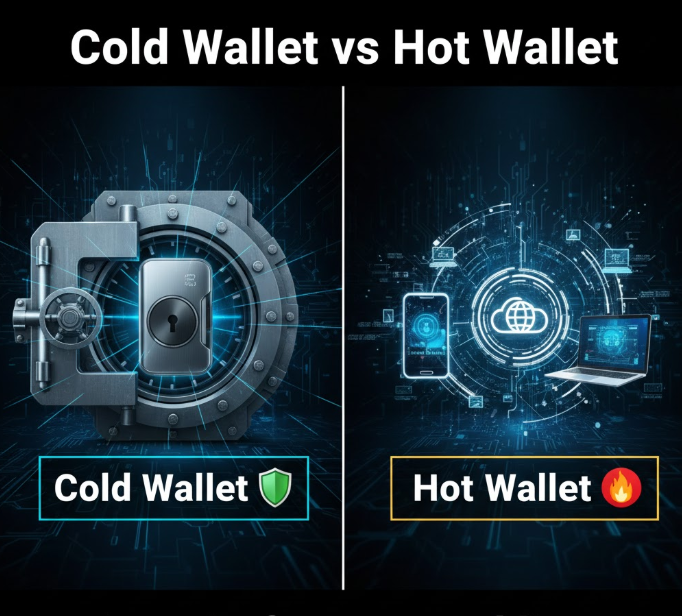
A hardware wallet is a physical device designed to store your cryptocurrency offline. By keeping your private keys offline, hardware wallets dramatically reduce the risk of theft compared to online wallets, software wallets, or exchange storage.
Private key = ownership.
If you lose your private key, you lose access to your crypto forever. Hardware wallets keep these keys isolated from the internet.
Key Benefits of Hardware Wallets
-
Offline storage (cold storage): Not connected to the internet
-
Protection from hacks and malware
-
Control over your private keys
-
Backup and recovery via seed phrase
-
Support for multiple crypto assets
Hardware wallets are ideal for:
-
Long-term holders (HODLers)
-
People with crypto worth thousands of dollars
-
Users who value security over convenience
-
Avoiding custodial risks from exchanges
Ledger vs Trezor: What’s the Difference?
Both Ledger and Trezor are top-tier hardware wallets, but they differ in design, features, supported cryptocurrencies, and security architecture.
Here’s a high-level comparison:
| Feature | Ledger (Nano X / Nano S Plus) | Trezor (Model T / One) |
|---|---|---|
| Private Key Security | Secure Element (SE) chip | Standard microcontroller |
| Bluetooth Support | Ledger Nano X only | No |
| Screen Type | Smaller OLED screen | Larger touchscreen (Model T) |
| Supported Coins | ~5,500+ | ~1,600+ |
| Open Source Firmware | Partially | Fully open source |
| Mobile Support | Yes (Bluetooth for Nano X) | Yes (via Bridge / compatible wallets) |
| Price Range | Mid to high | Mid |
Let’s unpack these in more detail.
Ledger Hardware Wallets
Ledger has two main current models:
1. Ledger Nano X
-
Bluetooth support for mobile devices
-
Larger storage capacity for apps
-
Rugged design with better battery life
Best for: Users who want mobile flexibility and support for many apps simultaneously.
2. Ledger Nano S Plus
-
More affordable
-
USB-only connection
-
Excellent basic security
Best for: New users or budget-conscious buyers who still want strong security.
Ledger Security Features
-
Secure Element (SE) chip: Stores private keys inside an isolated chip certified to FIPS-level standards
-
Ledger Live app: Interface to manage assets
-
PIN protection & passphrase: Adds layers of defense
Ledger’s use of an SE chip is often cited as a major security advantage, as this type of chip is used in banking and passport technology.
Supported Coins
Ledger supports thousands of tokens across many networks, including:
-
Bitcoin (BTC)
-
Ethereum (ETH) + ERC-20 tokens
-
Solana (SOL)
-
Cardano (ADA)
-
Polkadot (DOT), Avalanche (AVAX)
-
NFTs (through Ledger Live + third-party wallets)
Note: Some assets require connecting third-party wallet apps.
Trezor Hardware Wallets
Trezor also has two models:
1. Trezor Model T
-
Touchscreen for easier input
-
Supports many advanced features
-
Expansive coin support
Best for: Users who appreciate a modern interface and open-source firmware.
2. Trezor One
-
Classic and reliable
-
Fewer supported coins than Model T
-
More affordable
Best for: Beginners or users focused on major coins.
Trezor Security Features
-
Open source firmware: Publicly auditable for transparency
-
Shamir Backup (Model T): Optional advanced recovery scheme
-
PIN protection & Passphrase: Standard defenses
Trezor emphasizes transparency and community trust, with fully open source code that anyone can review.
Supported Coins
Trezor supports many major coins:
-
Bitcoin (BTC)
-
Ethereum (ETH) + ERC-20 tokens
-
Litecoin (LTC)
-
Ripple (XRP)*
-
Monero (XMR)*
(*via third-party wallet integration)
Trezor’s support list is solid but smaller than Ledger’s, especially for newer smart-contract ecosystems like Solana.
Ledger vs Trezor: Head-to-Head Breakdown
1. Security Architecture
-
Ledger: Secure Element chip offers strong hardware isolation
-
Trezor: Open-source firmware is transparent but uses a standard microcontroller
Both are secure, but Ledger’s SE chip is often considered more robust in hardware protection.
2. Supported Cryptocurrencies
-
Ledger: Broader support, especially for emerging networks
-
Trezor: Strong support for major protocols, slightly smaller list
If you own tokens outside the big ecosystems, Ledger may have broader compatibility.
3. User Interface
-
Ledger: Smaller screen, controlled via buttons
-
Trezor Model T: Touchscreen simplifies pin entry and passphrases
For novices, the touchscreen model is easier to navigate, but both wallets have reliable workflows.
4. Mobile Support
-
Ledger Nano X: Bluetooth lets you manage via mobile without cables
-
Ledger Nano S Plus & Trezor: USB connection required, mobile via adapters
Mobile convenience is unique to the Nano X.
5. Open Source vs Closed
-
Ledger: Firmware is partially closed (SE chip layer closed)
-
Trezor: Fully open source
Open source means anyone can audit the code—a trust advantage for transparency.
6. Price
-
Trezor One < Ledger Nano S Plus < Trezor Model T < Ledger Nano X
Budget or feature priorities influence which model fits your needs.
How to Choose the Best Hardware Wallet
Ask yourself:
-
What coins do you hold?
If you have a wide variety (especially newer chains), Ledger may support more. -
Do you want mobile staking?
Bluetooth (Nano X) adds convenience. -
Is transparency important?
Trezor’s open source appeal can be a differentiator. -
How much are you storing?
The larger your holdings, the more important security layers become. -
Do you prefer touchscreen?
Some users find Model T easier and safer for sensitive inputs.
Setting Up Your Hardware Wallet Safely
Whether you choose Ledger or Trezor, setup matters:
Step-by-Step Setup (Typical)
-
Unbox in Private: Never let others see your seed phrase
-
Install Official App: Ledger Live or Trezor Suite
-
Initialize Wallet: Create a new wallet
-
Write Down Seed Phrase: On secure paper, not digital files
-
Set a Strong PIN: Avoid obvious combinations
-
Test with a Small Amount: Send a small crypto amount first
Do Not:
-
Store seed phrases in digital format
-
Share your seeds with anyone
-
Enter seeds into websites or apps that request them unexpectedly
Risks to Understand Before You Stake or Store Crypto
Hardware wallets significantly improve security, but risks still exist:
1. Physical Theft
If someone obtains your seed and device, your crypto is at risk.
2. Loss or Damage
Without the seed phrase, lost wallets mean lost funds (NO customer service to reverse it).
3. Phishing
Fake Ledger Live or Trezor Suite apps can steal information—always use official sources.
4. Backup Mistakes
Failing to create or protect backups can lead to permanent loss.
Ledger vs Trezor: Best Use Cases
| Use Case | Best Option |
|---|---|
| Maximum coin support | Ledger |
| Mobile convenience | Ledger Nano X |
| Open-source transparency | Trezor |
| Touchscreen ease | Trezor Model T |
| Budget hardware wallet | Trezor One or Ledger Nano S Plus |
Frequently Asked Questions (FAQ)
1. What makes a hardware wallet more secure than an exchange wallet?
Hardware wallets store your private keys offline. Exchanges control keys on your behalf, which exposes them to hacks or regulatory seizure.
2. Can Ledger and Trezor recover funds if the device breaks?
Yes—if you have your seed phrase. You can restore funds on a new device or a compatible wallet.
3. Are hardware wallets expensive?
Most quality hardware wallets range from budget to mid-range prices and are worth the investment for protecting serious crypto holdings.
4. Can I stake crypto using a hardware wallet?
Yes. Many staking platforms support delegating directly from hardware wallets, adding security to your staking setup.
5. Is Bluetooth safe on hardware wallets?
Bluetooth adds convenience but can increase attack surface. Ledger Nano X’s Bluetooth is secure, but USB-only models are inherently more isolated.
6. Should I choose open-source firmware?
Open source increases transparency but doesn’t automatically mean better. Ledger still uses strong hardware security despite partial source closure.
Final Thoughts
Choosing the best hardware wallet depends on your priorities—security architecture, supported assets, user experience, and budget. Ledger and Trezor are both excellent choices, each with strengths that appeal to different users. Regardless of which you choose:
-
Store your seed phrase securely (offline, in multiple protected locations)
-
Test your setup with small amounts first
-
Use official software from the manufacturer
-
Avoid sharing sensitive information
Your cryptocurrency is only as safe as your security practices—the right hardware wallet is the first step.