Losing your phone to theft can be stressful, especially because your SIM card may contain access to calls, messages, banking OTPs, and social accounts. The most important thing is to act quickly to secure your number and recover your SIM.
In Nigeria, mobile networks such as MTN Nigeria, Airtel Nigeria, Globacom, and 9mobile provide SIM replacement and recovery services through official customer centers.
This guide explains how to recover your SIM after phone theft step by step.
Step 1: Block Your SIM Immediately
As soon as your phone is stolen:
- Call your network provider using another phone
- Request immediate SIM blocking
- Provide your phone number and identity details
This prevents:
- Unauthorized calls
- Data usage
- SIM swap fraud attempts
Step 2: Contact Your Mobile Network Provider
Reach out to your telecom provider quickly:
- MTN Nigeria customer care
- Airtel Nigeria support
- Globacom help desk
- 9mobile support
They will:
- Verify your identity
- Block your lost SIM
- Guide you on replacement steps
Step 3: Visit the Nearest Service Center
Go to an official service center of your network.
You will need:
- Valid identification (National ID, Driver’s license, or Voter’s card)
- Your phone number
- Personal details used during SIM registration
In Nigeria, SIM registration is regulated by the Nigerian Communications Commission.
Step 4: Request SIM Replacement (SIM Swap Recovery)
At the service center:
- Request SIM replacement for stolen phone
- Fill out SIM replacement form
- Provide required ID verification
Your old number will be transferred to a new SIM card.
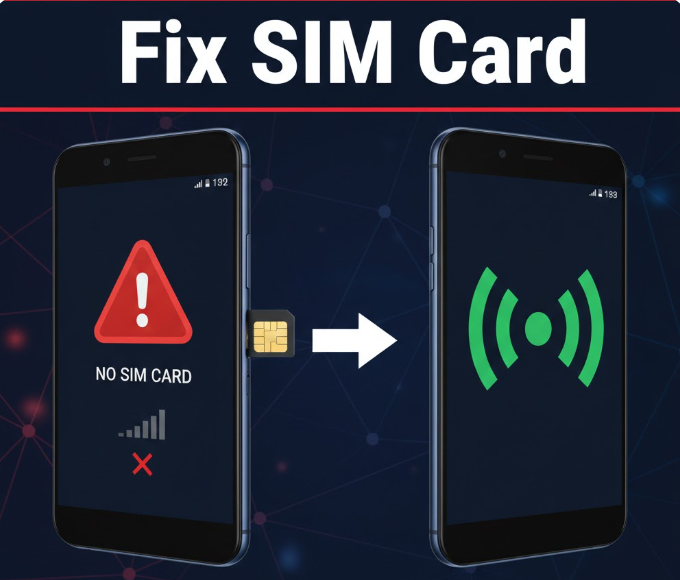
Step 5: Activate Your New SIM
After receiving the replacement SIM:
- Insert it into your phone
- Restart your device
- Wait for network activation
Your old number will be restored.
Step 6: Restore Your Accounts
Once your SIM is active again:
- Log back into WhatsApp, banking apps, and email
- Update security settings if needed
- Change passwords for safety
Step 7: Secure Your Accounts Immediately
After recovery:
- Change all passwords linked to your number
- Enable two-factor authentication (2FA)
- Monitor bank alerts and SMS notifications
Step 8: Report the Theft
For extra security:
- Report phone theft to local authorities
- Inform your bank if mobile banking was active
- Notify your network provider of any suspicious activity
Step 9: Check for Unauthorized Activity
After SIM recovery, check:
- Missing airtime or data
- Unknown calls or messages
- Login attempts on your accounts
Report anything unusual immediately.
Common Problems During SIM Recovery
Identity Verification Failure
This may happen if:
- SIM is not properly registered
- Details do not match NIN records
- Incorrect personal information is provided
Delay in SIM Activation
Sometimes activation may take:
- A few minutes
- Several hours depending on network load
SIM Swap Fraud Attempt
If someone already attempted SIM swap:
- Your SIM may be temporarily locked
- Extra verification may be required
Tips to Prevent Future SIM Loss Issues
- Register SIM properly with correct identity
- Enable SIM PIN lock
- Avoid storing sensitive passwords on phone
- Use phone tracking apps
- Enable cloud backup for contacts
Security Tips
- Never share OTP codes with anyone
- Avoid unauthorized SIM registration agents
- Keep IMEI number of your phone safe
- Report theft immediately
Frequently Asked Questions
Can I recover my number after losing my phone?
Yes, through SIM replacement at your network provider.
How long does SIM recovery take?
Usually within a few hours if documents are correct.
Will I lose my contacts?
If not backed up, contacts stored on SIM may be lost.
Can someone misuse my SIM after theft?
Yes, which is why immediate blocking is important.
Do I need internet for SIM recovery?
No, recovery is done through customer service centers.
Summary
To recover your SIM after phone theft:
- Block your SIM immediately
- Contact your network provider
- Visit official service center
- Request SIM replacement
- Activate new SIM
- Restore accounts
- Secure your digital identity
Conclusion
Recovering a stolen SIM requires quick action to prevent fraud and restore access to your phone number.
In Nigeria, providers like MTN Nigeria, Airtel Nigeria, Globacom, and 9mobile offer reliable SIM replacement services regulated by the Nigerian Communications Commission.
By acting quickly and securing your accounts, you can safely recover your number and prevent unauthorized access to your personal information.