iPhone Tips
-
iPhone Stuck on Apple Logo: How to Fix It (Complete Troubleshooting Guide)
Seeing your iPhone stuck on the Apple logo can be frustrating, especially when it refuses to load past the startup screen. This…
-
How to Fix iPhone Bluetooth Not Working: Complete Troubleshooting Guide
Bluetooth is one of the most essential features on an iPhone. It allows you to connect wireless headphones, AirPods, car systems, smartwatches,…
-
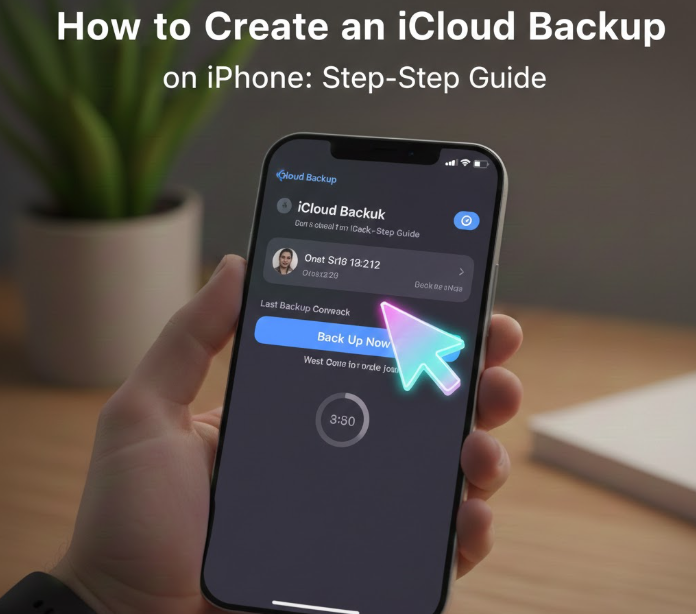
How to Create an iCloud Backup on iPhone: Step-by-Step Guide
Backing up your iPhone is one of the most important steps to protect your data. From photos and videos to app settings…
-
How to Hard Reset iPhone: A Complete Step-by-Step Guide
Whether you own the latest iPhone or an older model, your device can sometimes become unresponsive, freeze, or fail to respond to…
-
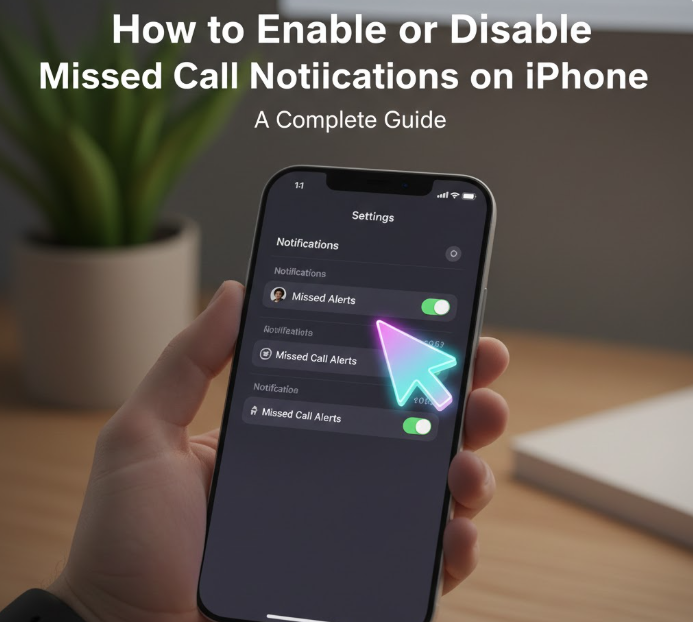
How to Enable or Disable Missed Call Notifications on iPhone: A Complete Guide
Missed calls happen to everyone, and keeping track of them is essential, especially if you rely heavily on your iPhone for personal…
-
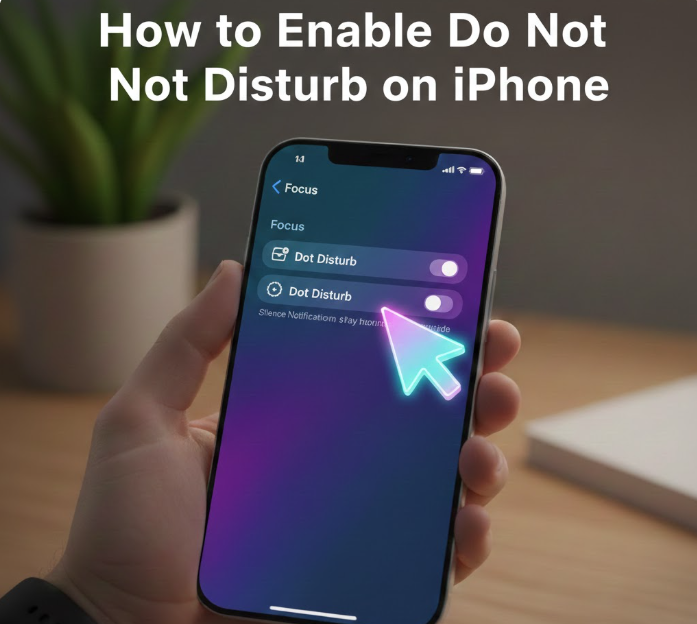
How to Enable Do Not Disturb on iPhone : A Step-by-Step Guide
Do Not Disturb (DND) on iPhone is a powerful feature designed to help you stay focused, reduce distractions, and maintain peace during…
-

How to Change Siri’s Voice in iOS 18: A Step‑by‑Step Guide
Apple continues refining Siri with each iOS update, and in iOS 18, you have more voice customization options than ever. Whether you…
-

How to Record Phone Call on iPhone 15: A Step-by-Step Guide
Recording phone calls can be useful for keeping track of important conversations, interviews, or customer service calls. However, Apple does not include…
-

How to Change Text Message Sound on iPhone: A Step-by-Step Guide
Your iPhone’s default text message sound is functional, but sometimes it’s nice to personalize your alerts so that you can recognize messages…
-
How to Fix iPhone Not Connecting to Wi-Fi
If your iPhone is refusing to connect to Wi-Fi, the problem could range from a simple software glitch to a setting that…