How to Install Windows 10 from Windows 11: A Step-by-Step Guide
If you upgraded to Windows 11 and later realized it’s not right for your device or workflow, you’re not stuck. You can go back to […]
If you upgraded to Windows 11 and later realized it’s not right for your device or workflow, you’re not stuck. You can go back to […]
If you’ve ever downloaded a file in Google Chrome and later couldn’t remember where it went, you’re not alone. Chrome keeps a clear downloads history […]

Google Chrome blocks pop-ups by default to protect users from intrusive ads and malicious websites. However, some trusted websites—like bank portals, school platforms, government sites, […]
Google Chrome can save your passwords so you don’t have to remember every login. That’s convenient until you forget a password and actually need to […]
Google Chrome’s sync feature is incredibly convenient. It keeps your bookmarks, passwords, browsing history, and extensions synchronized across devices. However, there are situations where you […]
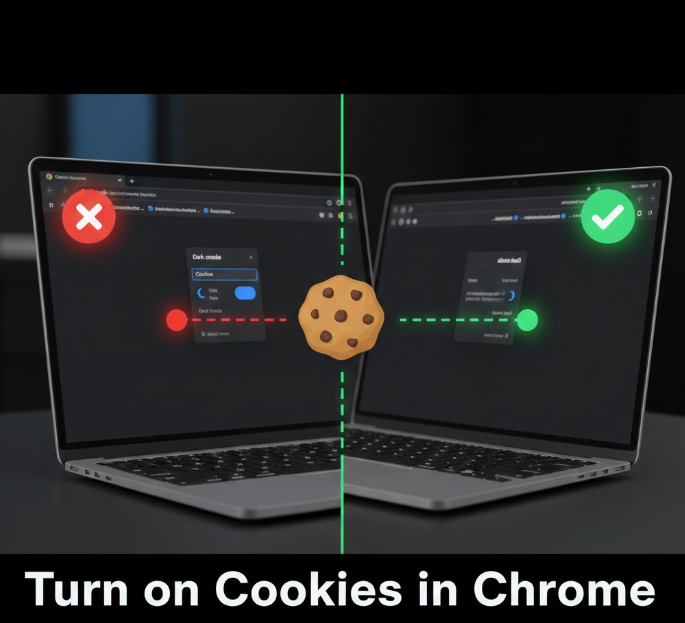
Cookies are small pieces of data stored by websites on your browser. They help websites remember your preferences, keep you logged in, and provide a […]
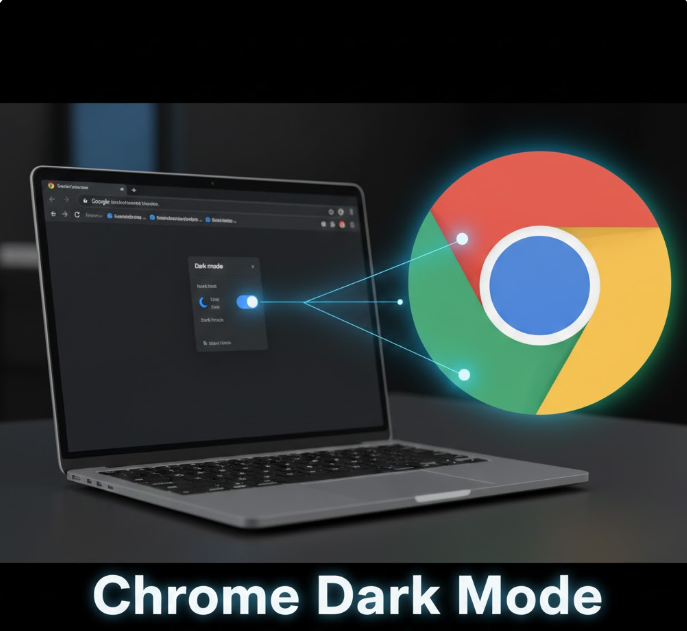
Dark mode has become a popular feature for web browsers, apps, and operating systems. It’s easier on the eyes, reduces screen glare, and can even […]

Printing directly from your iPhone 15 can save time, whether it’s documents, photos, emails, or presentations. Apple makes it easy to connect your iPhone to […]
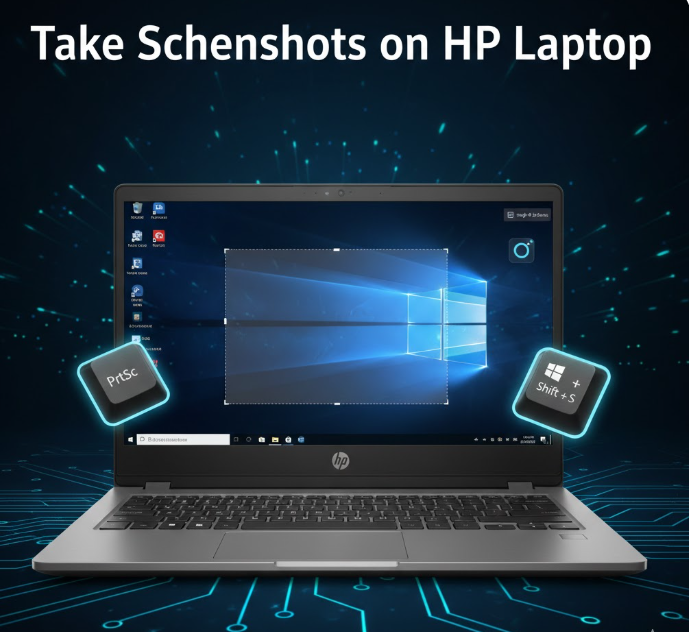
Taking screenshots is one of the most useful features on a Windows HP laptop. Whether you want to capture part of your screen for work, […]

WordPress is one of the most popular content management systems in the world, which unfortunately makes it a target for bots and spam. Fake form […]
Copyright © 2026 | WordPress Theme by MH Themes