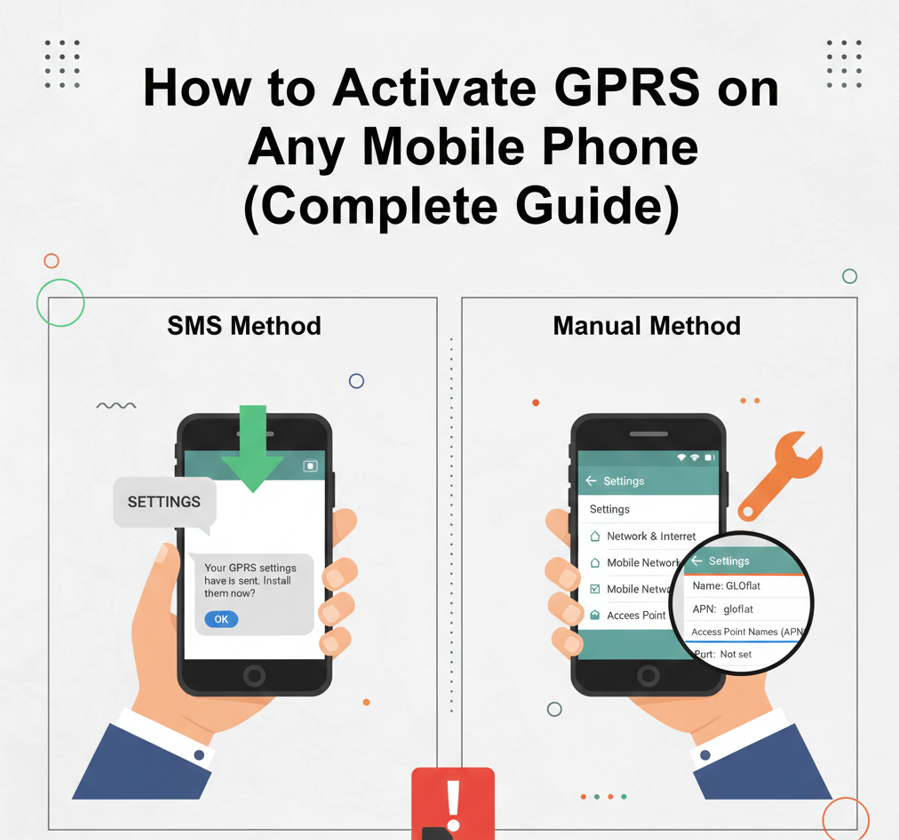
Getting your phone connected to the internet via GPRS (General Packet Radio Service) is essential for browsing, checking emails, and using apps when Wi-Fi isn’t available. While newer smartphones often configure GPRS automatically, older phones or specific network settings might require manual activation. This guide will walk you through the process, ensuring you can get online regardless of your device.
What is GPRS?
GPRS is a packet-oriented mobile data service available on 2G and 3G cellular communication systems. It provides continuous connection to the internet for mobile phone users. Essentially, it’s the technology that allows your phone to access the internet using your mobile network’s data.
Before You Begin: Essential Checks
Before diving into the activation steps, ensure you have the following:
-
GPRS Enabled SIM Card: Most modern SIM cards are GPRS-enabled by default. If you have an older SIM, you might need to contact your network provider to confirm or upgrade.
-
Sufficient Airtime/Data Plan: You need an active data plan or enough airtime credit to use GPRS services.
-
Network Coverage: Ensure you are in an area with good network coverage for your mobile operator.
Method 1: Automatic GPRS Settings (Recommended)
Most network providers offer an automated way to receive GPRS settings. This is usually the easiest and most reliable method.
Step 1: Request Settings from Your Network Provider
-
SMS Request: Many networks allow you to send an SMS to a specific number to receive automatic configuration messages.
-
Example (Common for many networks): Text “SETTINGS” or “ALL” to a shortcode like
131(for MTN Nigeria) or232(for Airtel Nigeria). The exact number varies by provider and country. Check your network provider’s website or call customer care for their specific SMS code.
-
-
USSD Code Request: Some networks provide a USSD code to request settings.
-
Example: Dial
*123*5*1#(for a hypothetical network) or similar.
-