admin
-

How to Sync Messages from iPhone to iPhone (Easy Step-by-Step Guide for 2026)
If you just got a new iPhone or use multiple Apple devices, you might be wondering how to keep your messages in…
-
How to Do a Voice Message on iPhone: A Step-by-Step Guide
Sending a voice message on an iPhone is a breeze. Open the Messages app, select or start a conversation, tap and hold…
-
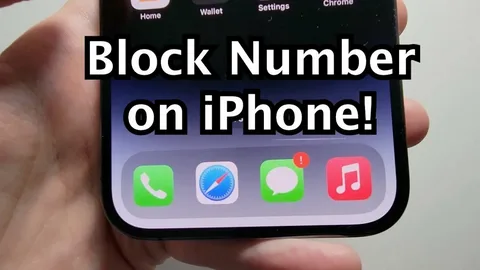
How to Block a Number on iPhone (2026 Guide)
If you’re tired of spam calls, annoying messages, or unwanted contacts, learning how to block a number on iPhone is one of…
-

How to Change Your Wallpaper on iPhone: A Simple Step-by-Step Guide
Changing your iPhone wallpaper is one of the easiest ways to personalize your device. Whether you prefer a favorite photo, a minimalist…
-

How to Remove Apple ID from iPhone: A Step-by-Step Guide
Removing an Apple ID from an iPhone is an important step when you’re selling, gifting, or resetting the device. It ensures your…
-

How to Reset Network Settings on iPhone: A Step-by-Step Guide
Resetting network settings on an iPhone is one of the most effective “quick fix” tools when your connection starts behaving strangely—like Wi-Fi…
-
How to Change Background Picture on iPhone: A Step-by-Step Guide
Changing the background picture on your iPhone is a quick and easy way to personalize your device. You can express your style…
-

How to Share Files from Android to iPhone
Sharing files from an Android smartphone to an iPhone can feel tricky at first because they don’t use the same ecosystem (Google…
-
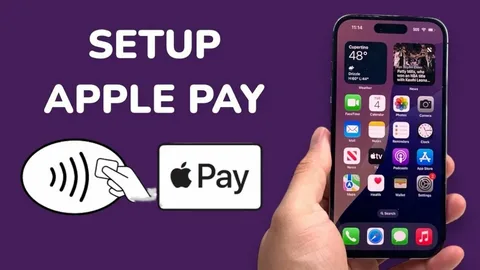
How to Set Up Tap to Pay on iPhone (Easy Step-by-Step Guide for Apple Pay in 2026)
Tap to Pay on iPhone has completely changed the way people make payments. Instead of carrying cash or cards, you can now…
-
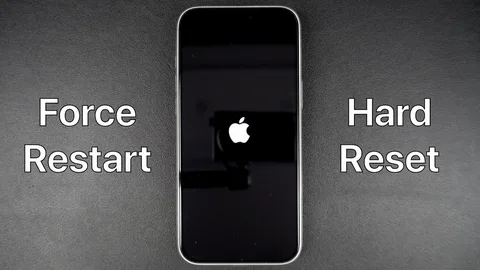
How to Force Restart iPhone: A Step-by-Step Guide for All Models
A frozen or unresponsive iPhone can be frustrating, especially when nothing seems to work. The good news is that a force restart…