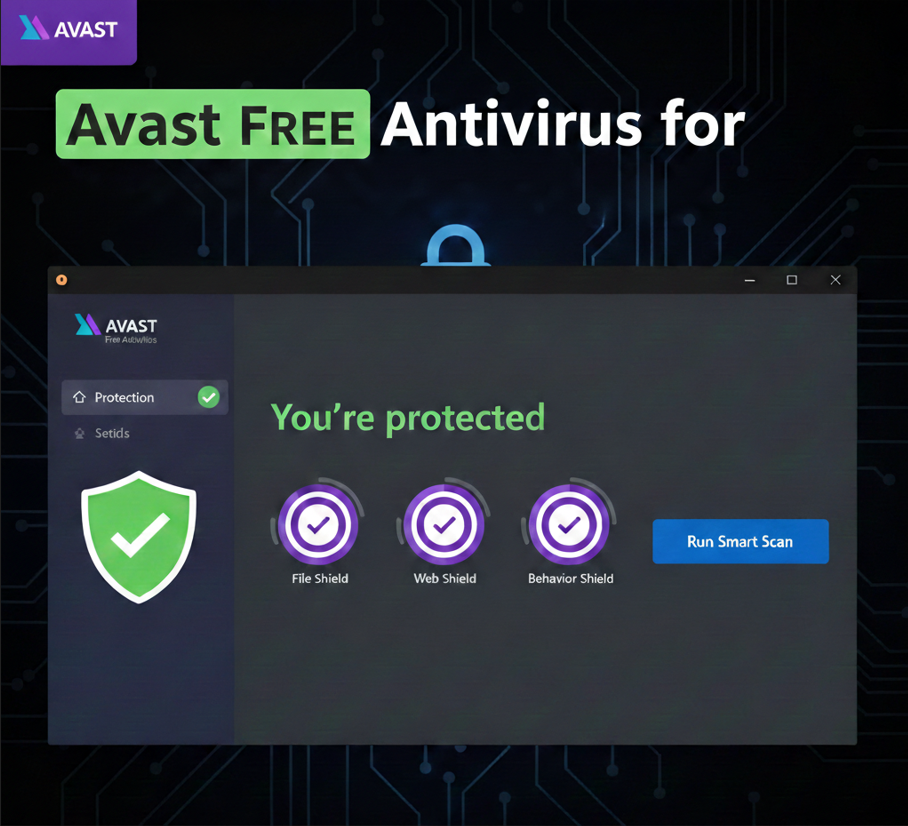
Avast Free Antivirus for Windows is a popular cybersecurity solution that offers essential protection against various online threats. For many years, it has been a go-to choice for users looking for a reliable, no-cost way to secure their PCs. While it’s “free,” it doesn’t skimp on core security features.
Key Features of Avast Free Antivirus
1. Real-time Protection: Avast constantly monitors your system for malicious activity. This real-time shield works in the background, scanning files, applications, and web pages as you interact with them. It aims to stop threats before they can even reach your system.
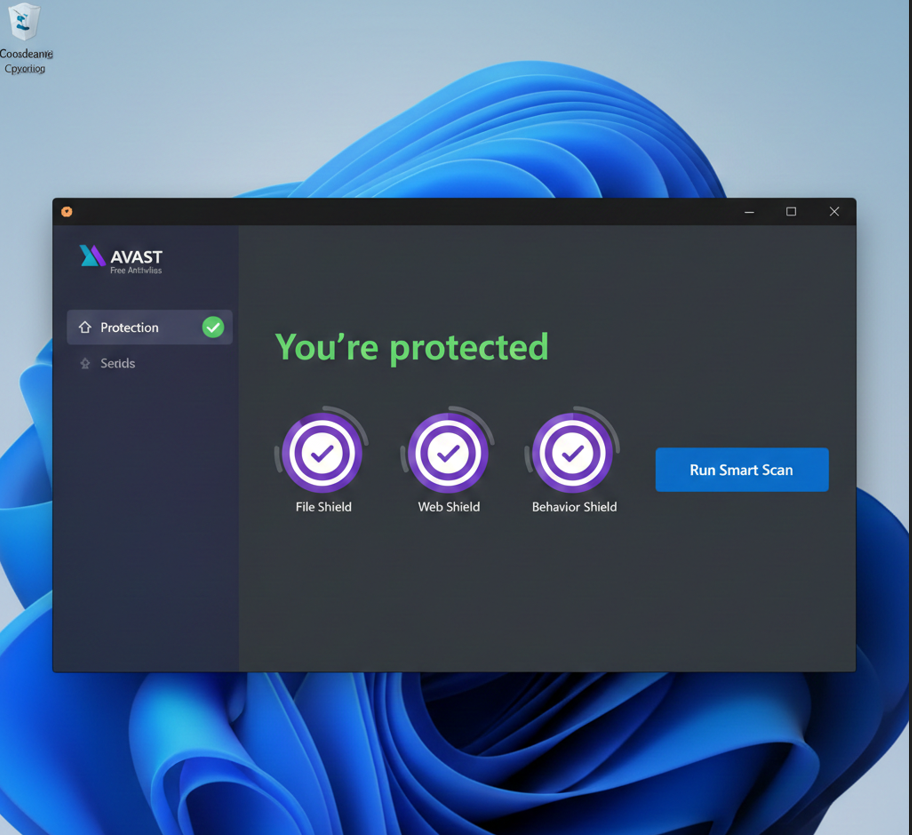
2. Virus, Malware, and Ransomware Protection: The core function of Avast Free Antivirus is to detect and remove a wide range of malicious software. This includes traditional viruses, spyware, adware, and increasingly sophisticated threats like ransomware, which encrypts your files and demands payment. Avast uses a large threat database and heuristic analysis to identify new and evolving threats.
3. Web Shield: This feature protects you while browsing the internet. It scans websites for malicious scripts, phishing attempts, and other web-based threats. If you accidentally click on a dangerous link, the Web Shield attempts to block access to the site.
4. Email Shield: The Email Shield scans incoming and outgoing emails for malicious attachments or links. This helps prevent malware from entering your system via email and also stops you from accidentally sending infected files to others.
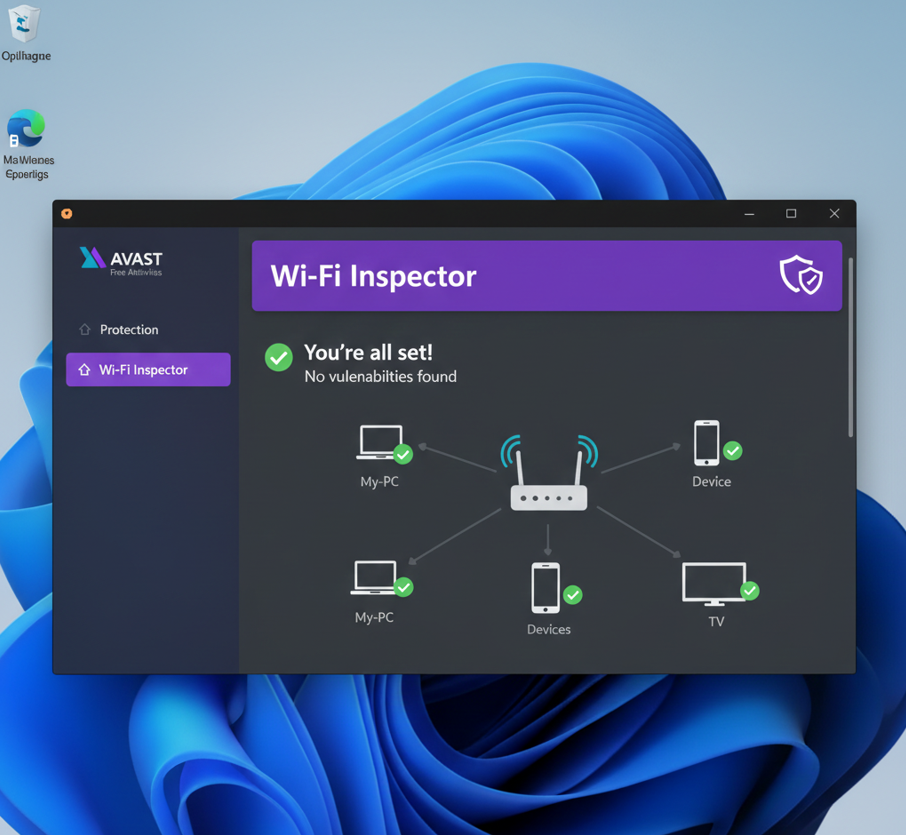
5. Wi-Fi Inspector: This tool scans your home network for vulnerabilities. It can identify weak Wi-Fi passwords, open ports, and other security risks that could make your network susceptible to attacks from outsiders.
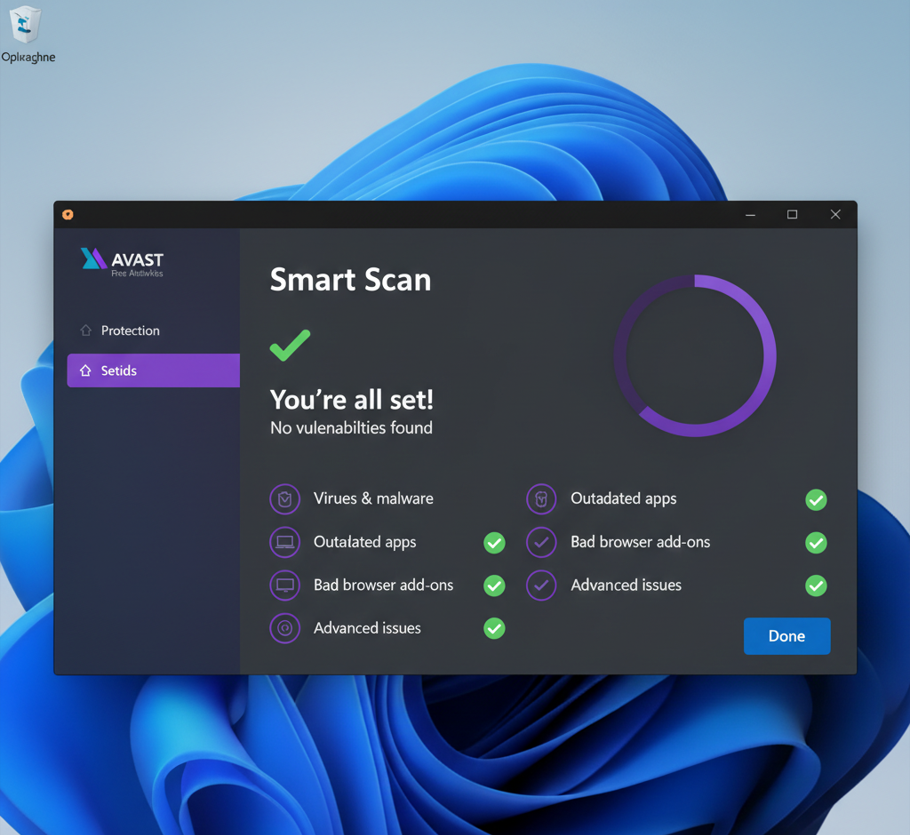
6. Smart Scan: The Smart Scan is an all-in-one checkup that looks for various issues on your PC, including viruses, outdated software, browser add-ons with poor reputations, network threats, and performance issues. It’s a convenient way to get a quick overview of your system’s health.
User Interface and Experience
Avast Free Antivirus generally offers a clean and intuitive user interface. The main dashboard clearly indicates your protection status (“You’re protected”) and provides easy access to key features like the Smart Scan and various shields. Settings are typically well-organized, allowing users to customize their protection levels.
Performance Impact
One common concern with antivirus software is its impact on system performance. Avast has generally improved in this area over the years. While any security software will use some system resources, Avast aims to be relatively lightweight, especially during passive protection. However, resource usage can increase during full system scans.
Free vs. Paid Versions
It’s important to remember that while Avast Free Antivirus provides robust core protection, it does have limitations compared to the paid versions (e.g., Avast Premium Security or Avast Ultimate). The free version typically lacks advanced features such as:
-
Ransomware Shield: More advanced protection specifically against ransomware.
-
Firewall: A more robust firewall than Windows Defender’s built-in one.
-
Sandbox: A feature to run suspicious applications in an isolated environment.
-
Password Manager: Secure storage for your passwords.
-
VPN: For online privacy and security.
These features are often “advertised” within the free version, prompting users to upgrade.
Conclusion
Avast Free Antivirus remains a strong contender for free antivirus software on Windows. It delivers essential, real-time protection against a wide array of cyber threats, making it a valuable tool for everyday users. While it may occasionally prompt you to upgrade, its core functionality provides a solid baseline for PC security without costing a dime.