Tech Guides
-
How to Get New Emojis on iPhone: A Step-by-Step Guide
Getting new emojis on your iPhone is super simple and can spice up your texting game! First, ensure your iPhone’s software is…
-
How to Display Clock on iPhone Lock Screen: A Simple Guide
Displaying the clock on your iPhone lock screen is a straightforward process. You simply need to access the settings, navigate to the…
-
How to Enable Push Notifications on iPhone: A Step-by-Step Guide
Enabling push notifications on your iPhone is super easy and can make a big difference in staying connected. In just a few…
-
How to Mirror iPhone: A Step-by-Step Guide for Easy Setup
Mirroring your iPhone is a simple way to display its content on a larger screen, like a TV or computer. Start by…
-
How to Make a Three Way Call on iPhone: A Simple Step-by-Step Guide
Making a three-way call on your iPhone is easier than you might think. In just a few steps, you can connect with…
-
How to Copy Photos from iPhone to PC: A Step-by-Step Guide
Copying photos from your iPhone to a PC is easy and can be done in a few simple steps. First, connect your…
-
How to See Deleted Text Messages on iPhone: A Step-by-Step Guide
Ever accidentally deleted a text message on your iPhone and wished you could get it back? You’re not alone! Luckily, there are…
-
How to Change Snooze Time on iPhone: A Quick Guide to Customize Alarms
Changing the snooze time on an iPhone isn’t as straightforward as you might hope, but don’t worry; I’m here to guide you…
-
How to Clear Phone Cache on iPhone: A Step-by-Step Guide
Clearing the cache on your iPhone can help improve its performance by freeing up space and removing unnecessary files. This process involves…
-
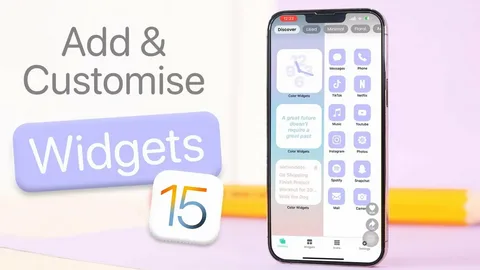
How to Make Widgets on iPhone (2026 Guide)
If you want to make your iPhone look modern, organized, and more useful, learning how to make widgets on iPhone is the…